
Optical Transceiver Loopback Test: Isolate the Local Port Safely
An optical loopback can help determine whether a local port and transceiver can transmit and receive, but it is not a simple patch-cord test. A long-reach optic can overload its own receiver on a short loop. The host may also require a supported test mode, and a loopback can disrupt a live network. Plan the optical level, traffic isolation and rollback before connecting TX to RX.
Define exactly what the loopback should isolate
Choose the smallest boundary that answers the question. An external optical loopback includes the local host interface, local module and loopback fiber. An internal or facility loopback may test a different portion of the datapath and must be supported by the exact platform.
Record the original link state, alarms, module identity, configuration, optical readings and counters before introducing the loop.
Calculate the receive level before connecting
Compare the module's transmit-power range with its maximum receive or overload limit. Add enough verified attenuation when a short loop could deliver excessive power. Use the exact module data and account for the loopback cord and adapters.
Never look into an active fiber or connector. Follow the equipment laser-safety and handling procedure, keep end faces protected and inspect or clean through an approved process.
Protect the network from a forwarding loop
Administratively isolate the interface or use the documented diagnostic mode. Confirm that test traffic cannot be bridged back into production. Coordinate the outage window and rollback with the service owner.
A physical loopback on a production interface without control can create unexpected forwarding, alarms or protocol behavior.
Run the test as a controlled experiment
Verify that the expected receive power is below the high threshold, enable the documented test condition, observe link or diagnostic lock, and send only the approved traffic pattern. Capture errors and stability for a defined period.
Change one variable at a time. If a different optic or port is tested, keep speed, FEC, attenuation and host settings consistent.
Interpret pass and fail narrowly
A passing local loopback supports the local host-and-module path under the test conditions. It does not prove remote compatibility, polarity through the production route, WDM channel routing, connector condition at remote panels or end-to-end service performance.
A failed loopback does not automatically condemn the optic. Recheck test mode, attenuation, port configuration, supported media, connector condition and the known-good comparison.
Close the test without leaving hidden changes
Remove the loop under the approved procedure, restore the original configuration, verify the production path and confirm that counters and protocols return to normal. Record the test boundary, attenuation, results and rollback.
Related Axonode guidance
Technical sources
Frequently asked questions
Can I loop a long-reach SFP directly with a short patch cord?
Not safely by assumption. Compare transmit power with receiver limits and use verified attenuation when required.
Does a loopback prove the remote optic is compatible?
No. It excludes the remote endpoint and most of the production path.
Can a loopback create a network loop?
Yes. Isolate the interface or use the platform's documented test mode before applying the loop.
What should be saved before the test?
Save identity, configuration, alarms, power, counters, service state and the planned rollback.
Define the test boundary before changing the live link
Provide the host, software, port mode, optic model, transmit and receiver limits, planned attenuation, service impact and available test equipment. Axonode can help organize a safe module and compatibility validation plan for the exact link.
Contact Axonode or review the optical transceiver portfolio.
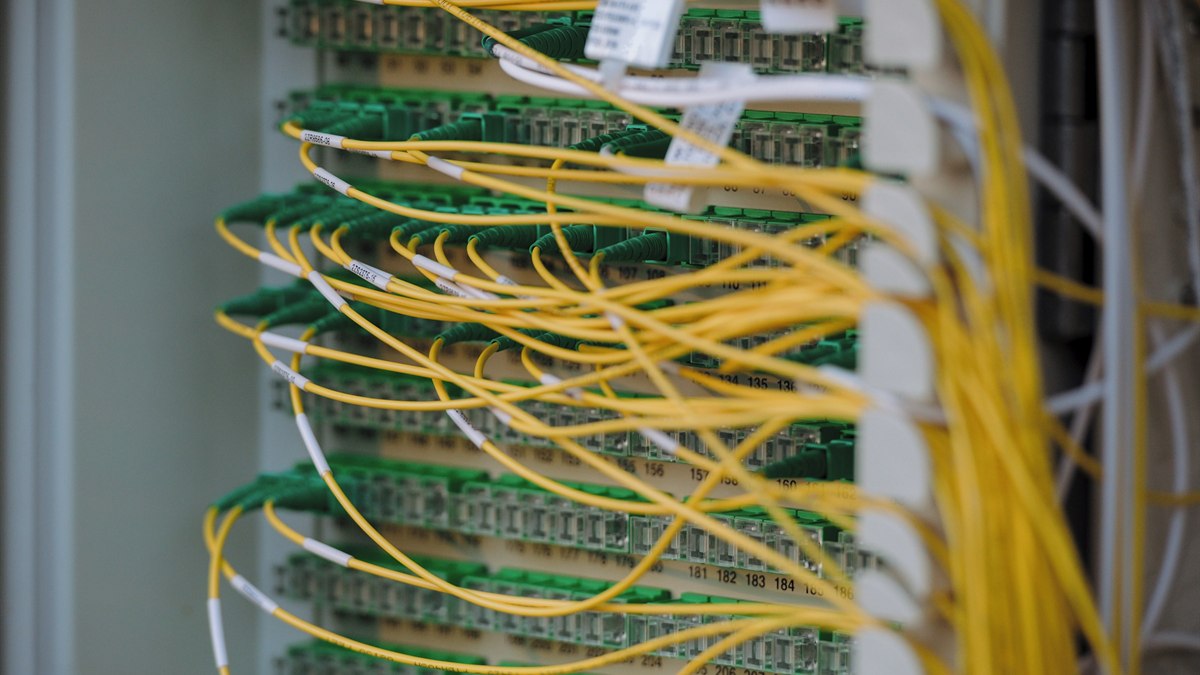 Optical Transceiver Loopback Test: Isolate the Local Port Safely
 SFP Warning vs Alarm Thresholds: Decide When to Monitor or Act
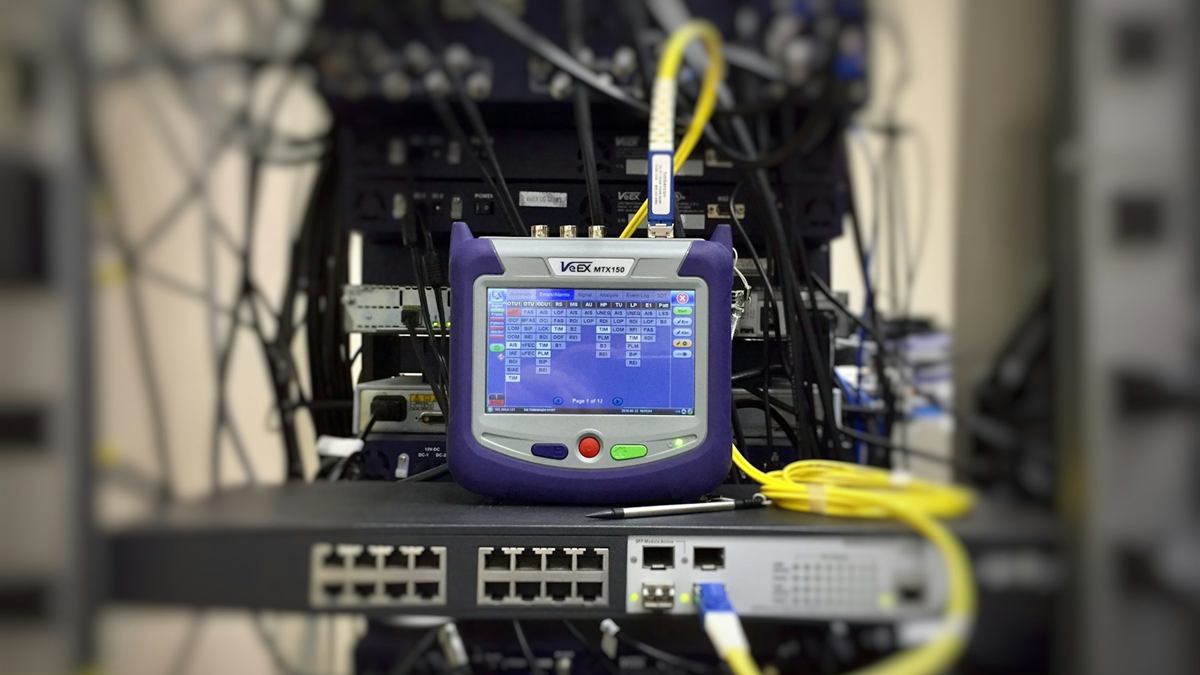 DOM vs Optical Power Meter vs OTDR: Choose the Right Evidence
 FEC Corrected vs Uncorrected Errors: Read the Trend Before Failure